A publish fails. Depending on the broker, the QoS and the client library, you get one of these:
Connection Refused: not authorised.Error: A network protocol error occurred when communicating with the broker.- an exit code of
0, and no message at the other end
Only the first is self-explanatory. This article works through what actually causes each case and how to identify which one you hit, without changing five things at once and hoping.
First: separate the two questions
Almost every confusing MQTT denial comes from conflating two different checks that happen at two different times.
| Authentication | Authorization | |
|---|---|---|
| Question | Who are you? | What may you do? |
| When | Once, at CONNECT |
On every publish and subscribe |
| Failure looks like | Connection refused immediately | Connection succeeds, then operations fail |
| Typical inputs | username, password, client certificate | role, permissions, topic ACL |
A client can authenticate perfectly and still be refused on every topic it touches. If your connection is up and stays up, authentication is not your problem — stop regenerating passwords and move on.
The four causes, in the order to check them
1. Authentication failed at CONNECT
The connection is rejected outright.
Connection error: Connection Refused: not authorised.
Causes: wrong username or password, an expired or disabled account, a client certificate the broker does not trust, or a CA mismatch on the TLS layer. A TLS failure usually surfaces before MQTT starts at all, which is a useful signal — if you never got an MQTT-level error, suspect certificates rather than credentials.
This one is rarely the mystery. It is listed first because it is cheap to eliminate.
2. The role has no publish permission for that topic filter
The identity is known, but the permissions attached to it do not include publishing to the topic you asked for.
The subtle version: a role that has subscribe: permissions but no publish: ones at
all. The client connects, sits there happily, and every publish disappears. The
inverse is just as common — a publish-only role that tries to subscribe never receives
anything, and nothing in the client output says why.
3. No ACL or topic rule brings the topic into scope
This is the cause that eats the most time, because nothing is wrong — something is simply absent.
Many brokers, and any system that fails closed, deny an action on a topic that no rule
covers. The role may have publish:*. There may be no explicit deny anywhere. The
publish still fails, because no rule ever brought that path into scope for a role the
identity holds.
TrailMQ makes this a separate, explicit gate and states it in the record:
Publish refused — No rule brings this topic into scope for any role this identity holds.
That sentence distinguishes cause 3 from cause 2, which is the distinction you otherwise have to infer.
The practical failure mode: someone publishes to line-4/temperature when every rule
was written for line4/temperature, or a new production line is commissioned and
nobody added the namespace. Both look identical from the client.
4. The wildcard does not match what you think it matches
MQTT has two wildcards, and their subscription semantics are well defined:
| Wildcard | Meaning in a subscription |
|---|---|
+ |
exactly one topic level |
# |
this level and everything below it, and must be last |
The trap is that authorization semantics are not required to match subscription semantics, and in several systems they deliberately do not.
TrailMQ is stricter than MQTT subscription matching here, and says so:
controlled/batch/# covers controlled/batch/line1 and everything under it, but
not controlled/batch itself. If you wrote one rule expecting it to cover the
root as well, the root is denied and the rule looks broken.
Two more wildcard-adjacent traps worth knowing:
+matches one level, not zero.factory/+/tempdoes not matchfactory/temp.- A leading
$namespace ($SYS/...) is conventionally excluded from#matching entirely.
Check the documented authorization semantics of your broker. Do not assume they equal the subscription rules in the MQTT specification.
Why the client-side error is so unhelpful
This part is protocol, not product, and it explains most of the confusion.
MQTT 3.1.1 has no way to say “no”. PUBACK carries no reason code. A broker that
must refuse a QoS 1 publish has exactly two options: acknowledge a message it did not
accept, or close the connection. Most choose to close it, which the client reports as
a transport or protocol error rather than an authorization error.
QoS 0 is worse. There is no acknowledgement at all, so the client returns success the moment the packet hits the socket. The broker discards the message. Nothing anywhere on the client side indicates that this happened:
# QoS 1 — the connection drops
mosquitto_pub -t 'restricted/ops/config' -q 1 -m 'x'
Error: A network protocol error occurred when communicating with the broker.

# QoS 0 — exits 0, message discarded, no error
mosquitto_pub -t 'restricted/ops/config' -q 0 -m 'x'
MQTT 5 improves this with reason codes such as 0x87 Not authorized on PUBACK
and SUBACK — but only if the broker implements them and the client surfaces them.
Many libraries still collapse them into a generic error.
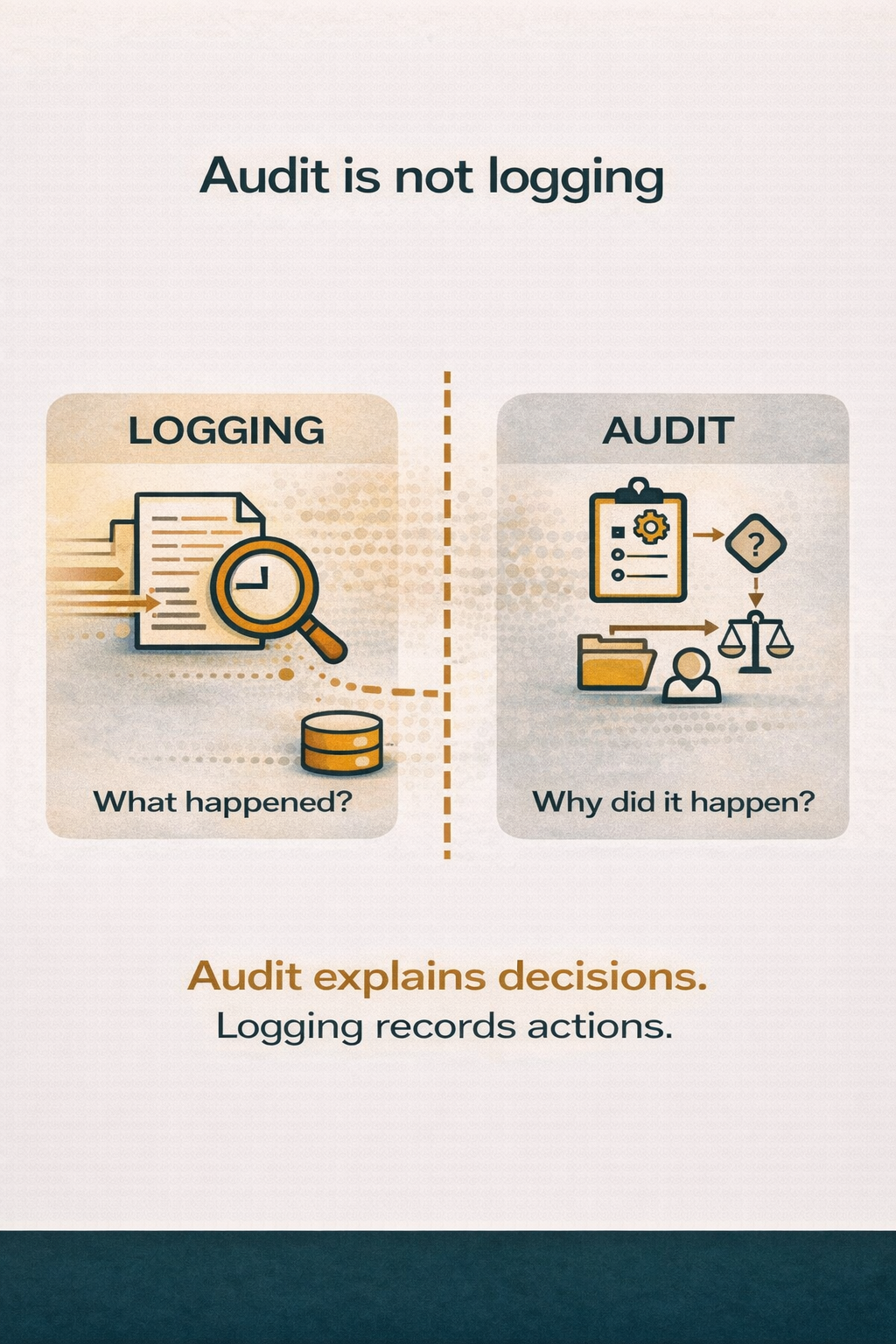
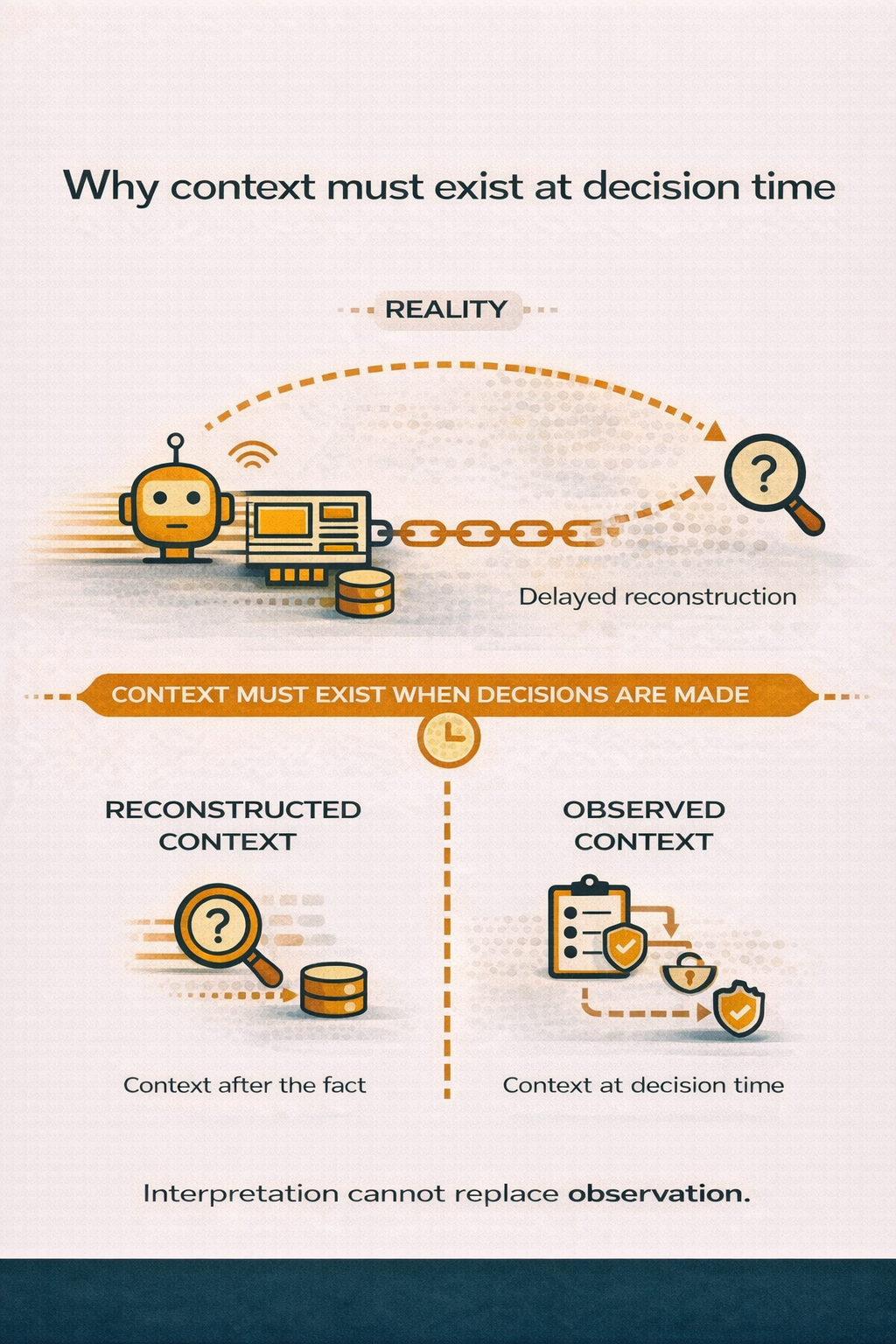
The conclusion is unavoidable: a client-side exit code is not evidence. Whether an operation was refused, and why, has to be recorded where the decision was made.
A repeatable way to narrow it down
Work outside in. Each step eliminates one of the four causes.
- Does the connection stay up? No → cause 1 (authentication or TLS). Yes → authentication is fine; continue.
- Does a publish to a topic you know is open succeed end to end? Verify with a real subscriber on another terminal, not with an exit code. If this fails too, the problem is the identity’s permissions (cause 2), not the topic.
- Does a rule exist that covers the exact topic string? Resolve the effective rule for the full path rather than reading the config file — the merged, running policy is what decides, and it is not always what the file says. Nothing covering it → cause 3.
- Does the rule’s pattern really match your path?
Compare level by level. Watch the root-vs-children case and
+matching exactly one level. Mismatch → cause 4. - Read the recorded decision. If your broker records one, this step is first, not last.
Test the negative properly
One thing worth insisting on: when you verify that something is blocked, prove the absence is not vacuous. Keep a second, permitted subscriber running on a topic that should work. If the permitted subscriber also receives nothing, your test harness is broken, not the policy. “I saw no message” and “no message was sent” are different claims.
What a broker should record so this is not archaeology
For a denial to be diagnosable later — and by someone who was not there — the record has to carry, at minimum:
- the authenticated identity and the MQTT client id (either alone is not enough to find it again)
- the role in force at that moment
- the operation: connect, publish or subscribe
- the exact topic string that was evaluated
- a timestamp from a synchronised clock
- the outcome
- a reason that distinguishes no permission from no rule in scope
And one thing that is usually missing: whether the record itself is covered by whatever integrity check the system advertises. A denial that is recorded in a store the integrity verdict does not walk is still useful evidence — but only if the system says so rather than letting you assume otherwise.
How TrailMQ handles it
TrailMQ is an MQTT broker that evaluates two independent gates for every action — the role’s permission, and the topic rule that scopes where it applies — and records the decision as it makes it. A refusal keeps the actor, role, client id, action, topic, time, outcome and a reason in prose, on one row, filterable by outcome.
It also tells you what its own evidence is worth: the hash-linked integrity chain
covers system and action entries, and MQTT decision records are labelled
Outside validated scope because that chain does not walk them.
You can reproduce the whole denial path locally in about five minutes:
git clone https://github.com/RainerGewalt/TrailMQ.git
cd TrailMQ
./trailmq quickstart
./trailmq verify
Then trigger the denial yourself and read the record that results.
See a real denied publish, start to finish →